A Data-Only Plan for Your Tablet, Laptop or Wi-Fi Router in Japan
Updated: 2026-09-07
Quick answer
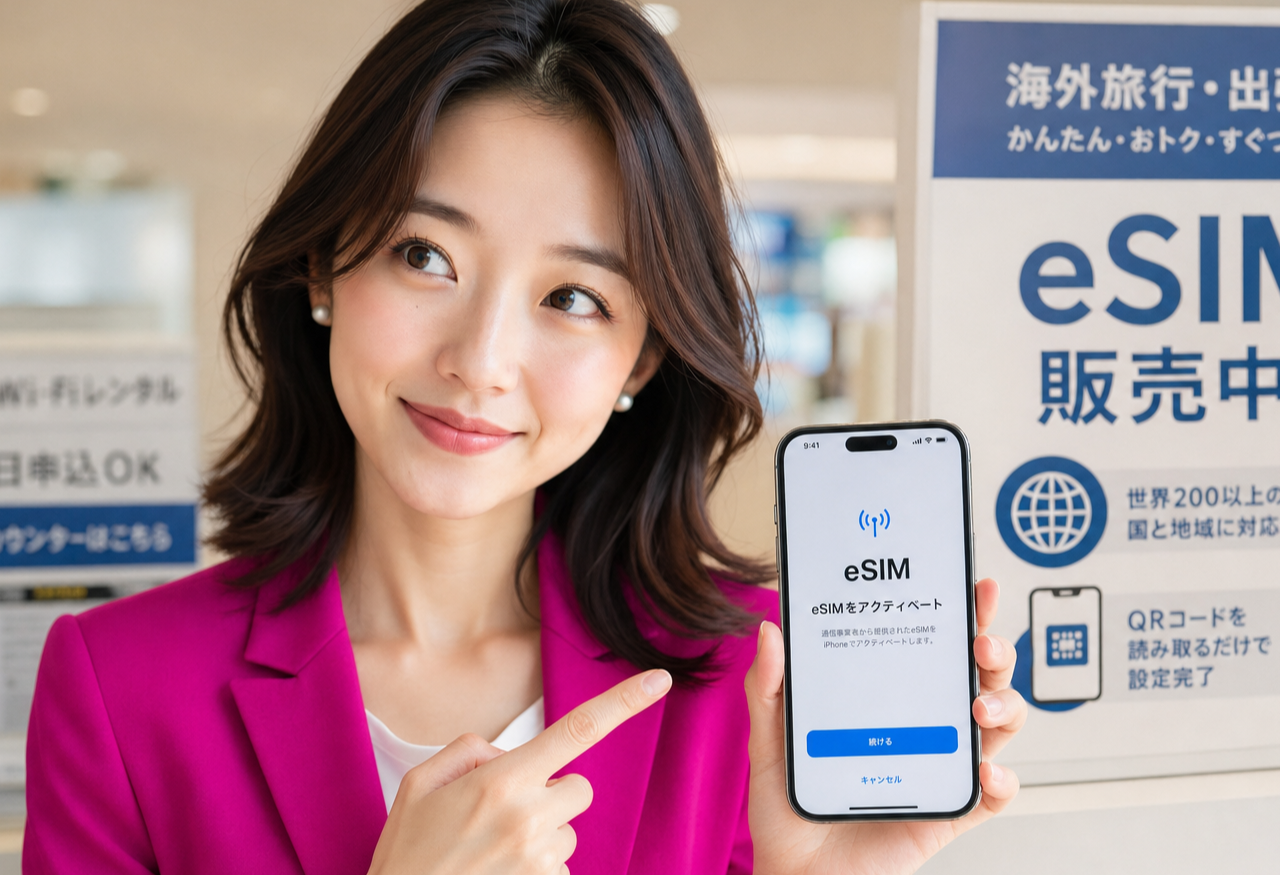
Hi, I'm Miya, and one question I get a lot once people are settled is: how do I get my tablet, laptop or little pocket router online without draining my phone? The short answer is a data-only plan — a mobile line that carries just internet, no calls or texts, meant to live inside a device that only needs data. It's a calm way to connect a second screen, and it fits neatly alongside the main phone number you already rely on.
What a data-only plan actually is
A normal mobile plan bundles three things: a phone number for calls, text messaging, and mobile data. A data-only plan keeps just the last part. There's no voice line and usually no SMS number attached — it exists purely to give a device internet access, the same way your home broadband does, but over a mobile line instead of a cable.
That makes it a natural fit for anything that connects to the internet but doesn't need to make phone calls: a tablet, a laptop with a SIM slot, or a portable Wi-Fi router that then shares that connection with everything around it. You put the line in the device, and the device is simply online — no second phone number to manage, no calls ringing on your tablet.
When a second line beats tethering off your phone
Tethering — turning your phone into a hotspot — is genuinely useful and worth knowing how to do. But it has quiet costs. Your phone has to stay awake and nearby, its battery drains faster, and the moment you walk out of the room your tablet or laptop drops offline. If two people in the house both want to lean on that one hotspot, it gets awkward fast.
A dedicated data-only line removes that dependency. The tablet the kids use, the laptop you work from, or the router on the shelf each has its own connection that just works, whether or not your phone is in your pocket, charged, or even at home. I usually suggest it once a device becomes something you rely on daily rather than borrow occasionally.
How it fits into a household's connectivity
Most homes here already have some mix of fixed broadband and everyone's phones. A data-only line slots into the gaps between them. A portable router with its own line can travel from the living room to the balcony to a weekend trip, sharing Wi-Fi with several devices at once. A tablet with its own data stays online in the garden or on the train without asking anyone to tether.
It's also a gentle backup. If your home internet has a wobble — a router reset, a building issue, a move-in gap before installation — a device with its own mobile data keeps you working and reachable in the meantime. I like thinking of it less as 'another bill' and more as making one specific device dependable on its own terms.
Picking the device and how the SIM goes in
Two practical checks before you add a line. First, confirm the device actually takes a SIM: many tablets and laptops come in Wi-Fi-only versions, so look for a 'cellular' or 'LTE' model, or use a separate pocket router if yours doesn't. Second, check whether it supports eSIM — a SIM that's built in and activated by scanning a code — or needs a physical SIM card in a tray. Newer tablets and routers often support eSIM, which is the tidiest option because there's nothing to post or swap.
With eSIM, adding a data-only line to a device is mostly software: you enable the line and it comes online, no plastic card to wait for. With a physical SIM you slot the card in and it's ready the same way. Either path, the device ends up doing exactly one job — being online — which is the whole appeal.
Sort your main number and data first, then add devices
Here's the order I gently steer newcomers toward: get your own Japanese number and mobile data sorted first, then adding devices becomes almost trivial. Your main line is what verifies apps, receives codes, and anchors your daily life — a data-only tablet or router is the easy add-on that comes after, not the foundation.
The good news is the foundation is quick. Once your residence card is in hand, a plan can be applied for online, and if your phone supports eSIM you can be up and running the same day — often in around fifteen minutes, with no store visit. Check the current conditions before you apply, and I'll help you get the main line right — then extending data to a tablet, laptop or router is just one calm step more.
Related guides

Rakuten Mobile for Foreigners in Japan: What You Need, What It Costs, What's Included (2026)
A residence-card-only mobile plan in Japan, set up by eSIM. What the three price tiers actually cost, what the official page says about speed, what's bundled, the age discounts, and the documents to have ready before you apply. #PR
Read the guide →
How to Create a Rakuten ID in English — The Sign-Up Form, Field by Field (2026)
A walk-through of the actual Rakuten member registration form in English: the language switch most people miss, the six required fields, the two you can never change afterwards, and the katakana name box on the Japanese version. #PR
Read the guide →
How to Earn Rakuten Points in Everyday Life: A Practical Habit Guide
A practical guide to building a Rakuten points habit in Japan: earn through online shopping, code payment at everyday shops, and the card, with one connected ecosystem. #PR
Read the guide →