Switching Carriers While Keeping Your Number (MNP) in Japan, Explained
Updated: 2026-09-01
Quick answer
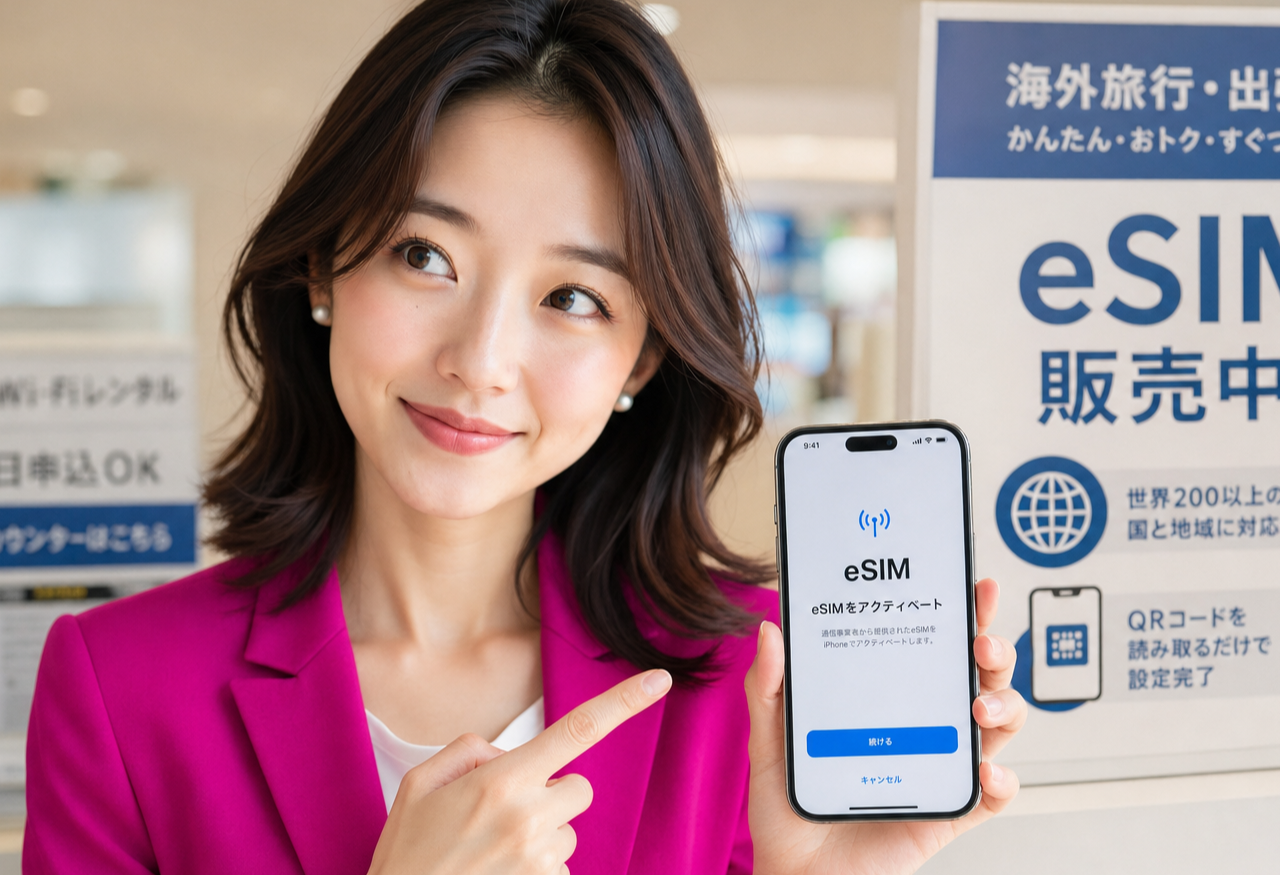
Hi, I'm Miya, and this is one of the questions I hear most: if I change mobile provider, do I lose my number? Good news — you don't have to. It's called MNP (Mobile Number Portability), and it lets you carry your existing Japanese number across to a new provider. Below I'll explain what MNP is, what to have ready, the general one-stop flow, and roughly how long it takes.
What MNP actually is
MNP stands for Mobile Number Portability. In plain terms, it's the official process that lets you keep the same phone number when you move from one mobile provider to another. Your number is portable — it travels with you rather than staying tied to your old contract.
That matters because your number is linked to so much: friends, delivery notices, bank and app verification codes. Being able to switch providers without changing it means you don't have to update every contact and account, which is exactly why MNP exists.
The one-stop flow, in plain terms
These days the common way to switch is the one-stop MNP flow. Instead of collecting a code from your old provider and typing it in yourself, you start the application with your new provider, and the two sides coordinate the number transfer behind the scenes. You mainly interact with the new provider.
The general shape is: you apply with the new provider, indicate that you want to bring your existing number, complete the identity and application steps, and once it's approved your number is ported over and your new line activates. Your old line stops working around the moment the new one takes over, so there's usually only a brief handover.
What to have ready before you start
A little preparation makes this smooth. Have your existing phone number and the current account details on hand, plus your residence card for identity verification. Make sure the name and details on the new application match your existing line, since a mismatch is the most common thing that slows a transfer down.
It also helps to know your device is ready to take a new line — many recent phones support eSIM, which means no waiting for a physical card in the post. If you're unsure about any specific requirement, check the provider's official page, since exact conditions can change over time.
Roughly how long it takes
For the paperwork side, a straightforward online application is often a matter of minutes to fill in, and the number transfer itself is typically completed within a short window rather than days — though the exact timing depends on the provider and on when you apply.
The actual switchover — the moment your old line goes quiet and your new one comes alive — is usually quick once everything is approved. If your phone supports eSIM, there's no shipping delay, so setup and the port can often wrap up the same day. I always suggest doing it when you have a little time, not right before an important call.
Keeping your number as you switch to a new line
This is exactly the kind of move our current campaign supports: bringing your existing number over to a fresh line without the hassle of telling everyone a new one. You apply online with your residence card, choose to carry your number across, and go from there.
Because eSIM-capable phones don't wait on a posted card, a new line can activate the same day once your details are confirmed. Have a look at our setup guide for the step-by-step, and confirm the current terms on the provider's official page before you apply — I'll be right here for the switch.
Related guides

Rakuten Mobile for Foreigners in Japan: What You Need, What It Costs, What's Included (2026)
A residence-card-only mobile plan in Japan, set up by eSIM. What the three price tiers actually cost, what the official page says about speed, what's bundled, the age discounts, and the documents to have ready before you apply. #PR
Read the guide →
How to Create a Rakuten ID in English — The Sign-Up Form, Field by Field (2026)
A walk-through of the actual Rakuten member registration form in English: the language switch most people miss, the six required fields, the two you can never change afterwards, and the katakana name box on the Japanese version. #PR
Read the guide →
How to Earn Rakuten Points in Everyday Life: A Practical Habit Guide
A practical guide to building a Rakuten points habit in Japan: earn through online shopping, code payment at everyday shops, and the card, with one connected ecosystem. #PR
Read the guide →