Downloading Japanese Apps: Account Region and Payment, Explained
Updated: 2026-08-25
Quick answer
If a Japanese transit, bank, food-delivery, or government app just won't show up in search — or shows up but refuses to install — the usual reason is your app-store account. Most stores tie the apps you can see and download to the country or region set on your account, and to a payment method valid in that region. Until both point to Japan, whole categories of local apps stay invisible or blocked, even though your phone works perfectly fine.
The fix is to set your store account's region to Japan and attach a payment method the store accepts in Japan. Once your region and payment line up, the missing apps appear in search and install normally. This is a settings-and-account problem, not a hardware one, and it works the same idea on both major stores.
Why some apps are simply invisible
App stores don't offer every app in every country. Publishers choose which regions can see and download their app, and stores enforce that by looking at the region on your account. A bank app, a train-pass app, or a city's official app may be published only for Japan. If your account still says your home country, the store filters those apps out before you ever see them — so it can feel like the app doesn't exist, when really it's just hidden from your account.
This is why searching harder rarely helps. You're not missing a spelling trick; you're on the wrong side of a regional filter. Switching your account region to Japan is what moves you to the catalog where those apps live.
The payment method is the other half
Region alone often isn't enough. Stores usually want a payment method that is valid for that region on file before they'll let you complete a region change or an install — even for free apps. A foreign card is sometimes accepted and sometimes quietly rejected, which is why an install can spin and fail for no obvious reason. Having a Japan-valid payment method removes that friction.
You don't have to spend anything to benefit from this: the payment method exists so the store can verify your account belongs to the region, not to charge you for free apps. Options include a Japanese credit or debit card, and store gift cards bought locally, which many newcomers use before a local card arrives.
Changing your store region, step by step
On both major stores the flow is similar: open your account settings, find the country or region setting, and change it to Japan. You'll usually be asked to agree to Japan's terms, confirm or update your payment method, and sometimes clear an outstanding balance or subscription first. After that, the store's catalog, currency, and available apps all switch to the Japan versions.
A couple of practical notes: some stores limit how often you can change region, so do it deliberately rather than back and forth. And any subscriptions or store credit tied to your old region may need to be sorted before the switch completes. Once it's done, log out and back in if apps don't immediately appear.
Which apps this actually unlocks
The categories most affected are the ones newcomers need first: transit and IC-card apps for trains and buses, bank and payment apps, food and grocery delivery, and city or national government apps for procedures and notifications. These are frequently Japan-only precisely because they connect to local systems, so they're the ones that stay hidden until your account region is Japan.
Some of these apps also expect a Japanese phone number during sign-up, for SMS verification or as your account ID. So even after the app installs, you may hit a wall at registration without a local number. That's the next piece to line up — and it's why the store account and a local number tend to go together.
You need mobile data the moment you land
There's a timing trap worth planning around: you often want these apps working on day one — a transit app before your first train, a delivery app your first tired evening — but you have to download them first, and downloading needs a connection. Relying on finding public Wi-Fi at the airport or your accommodation is a shaky plan when you're jet-lagged and carrying bags. Having your own mobile data from the moment you land means you can set up your store region and pull down the apps wherever you are.
A Japanese phone number and a Japanese payment method pair naturally with a local store account: the number handles SMS verification inside the apps, the payment method satisfies the store's region check, and mobile data lets you actually download everything. Sorting all three early turns a frustrating first week into a smooth one.
Getting the number and data sorted early
Because so much hinges on having a local number and data ready, it's worth arranging your mobile plan before or right as you arrive, rather than after you're stuck. A Japanese line gives you the number that apps ask for and the data that downloads them, so your store account and app setup can happen on your own schedule.
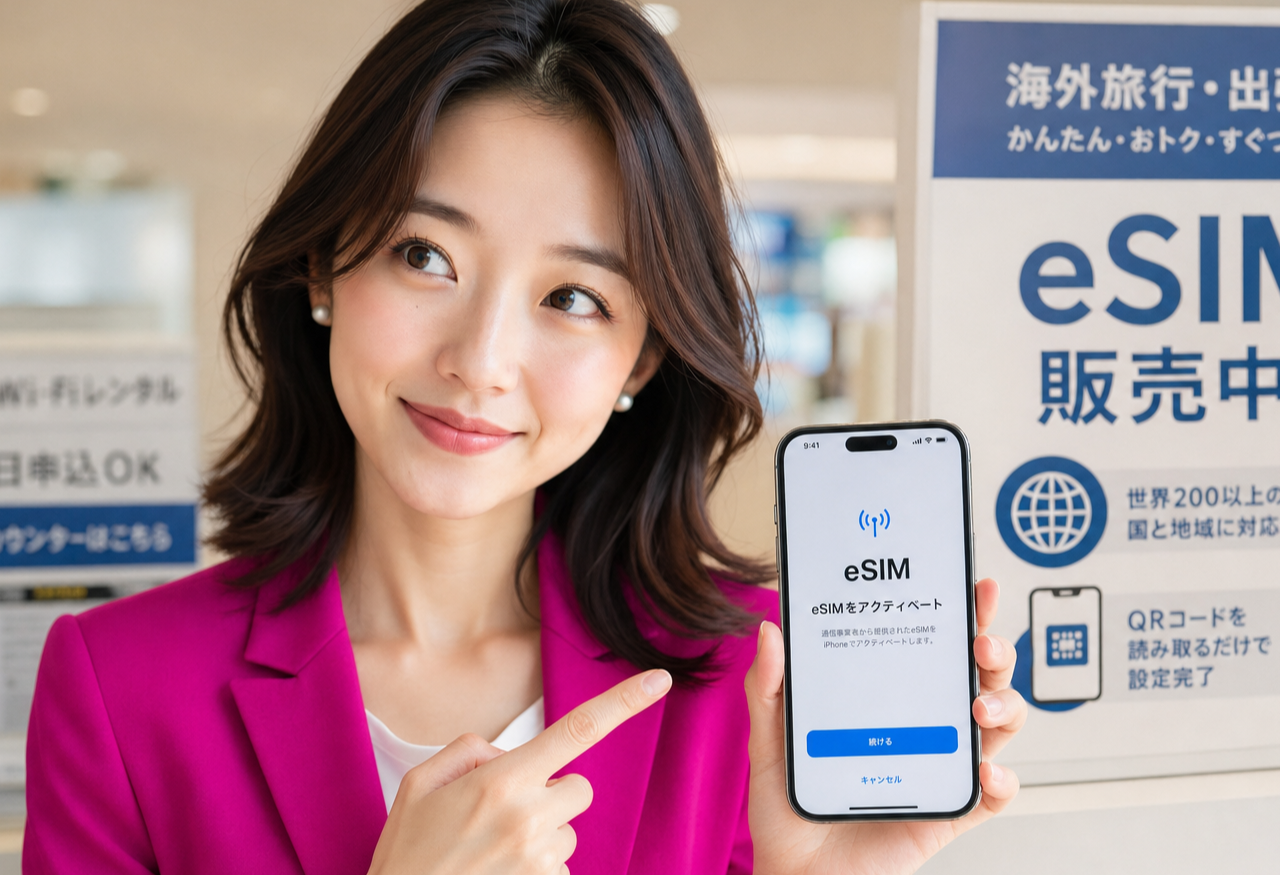
Rakuten Mobile lets you apply online with just your residence card, and an eSIM can activate the same day — usually in about five to ten minutes, with no store visit. It's one simple unlimited plan, with free domestic calls through the Rakuten Link app, so you can land, get connected, and start pulling down the Japanese apps you need right away.
Related guides

The Apps Every Newcomer in Japan Actually Needs (2026)
The short list of apps that really run daily life in Japan — transit, translation, LINE, payments — and why getting connected comes first. #PR
Read the guide →
The Certificate of Eligibility: The Paperwork That Happens Before Your Visa
A pre-arrival guide to Japan's Certificate of Eligibility: who applies, what you'll need to send, and how long to allow. #PR
Read the guide →
Reading Japanese Phone Numbers: What Those Prefixes Mean on a Form
How to read Japanese phone numbers: landline area codes, 070/080/090 mobiles, 0120 and 0570 prefixes, hyphens, and dialling +81. #PR
Read the guide →