Using Dual SIM in Japan: Keeping Your Home Number While Adding a Japanese Line
Updated: 2026-08-29
Quick answer
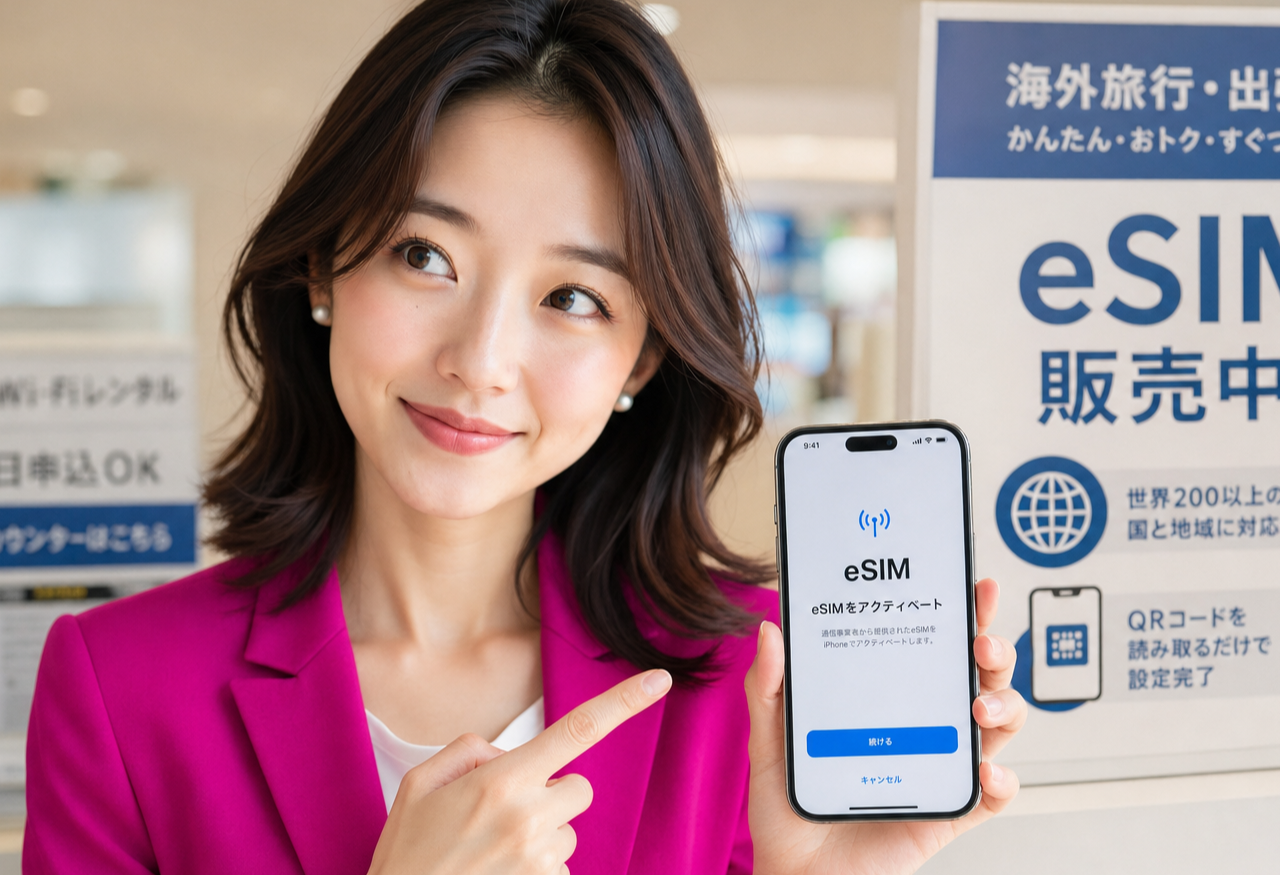
Hi, it's Miya! Here is the short version: most recent smartphones let you run two lines at once, so you can keep your home-country number alive and add a Japanese number as your main line for daily life.
You keep the home number for things tied to your old accounts, and you set the Japanese number as your primary for calls, texts, and data here. The Japanese line can be turned on the same day by eSIM once your residence card is in your hand.
So you do not have to choose one or the other. Let me walk you through how it fits together, gently and step by step.
What dual SIM and dual eSIM actually mean
Dual SIM simply means your phone can hold two mobile numbers and switch between them without swapping anything. One line might be a physical SIM card you already have, and the other can be a digital eSIM you add through your settings.
Dual eSIM is the newer version of the same idea: both lines are digital, with no little tray or card to lose. Many current models support this, though older or region-locked phones sometimes allow only one active line at a time.
If you are not sure what your phone supports, look in the settings under mobile or cellular. When you see space for a second line or an option to add an eSIM, you are ready for the setup I describe below.
Why keep your home-country number
Your old number is quietly connected to a lot of your life. Your home bank may send verification texts to it, and switching that away can be slow and stressful when you are still settling in.
It is also how family and old friends reach you without thinking about apps or time zones. Keeping the number means they can call or message you the way they always have.
And many services still send two-factor codes by SMS to that number. Holding onto it, at least for a while, keeps those codes arriving so you are not locked out of accounts you set up back home.
Which line to use for what
A simple way to think about it: your home number becomes the quiet receiver, and your Japanese number becomes the everyday talker. You mostly leave the home line ready to receive texts and the occasional call.
Your Japanese line is what you hand out here, for a part-time job, a clinic, a delivery, or a new friend. It is the number that fits daily life in Japan.
For data, you almost always want to lean on the Japanese line, since that is the plan built for using the internet here. You can keep the home line's data switched off to avoid surprise charges while it still receives messages.
Setting your Japanese number as primary
Once both lines are on your phone, you can choose which one is the default. In your settings you can set the Japanese number as the preferred line for calls, for messages, and for mobile data.
This means when you tap to call someone or send a text, it goes out from your Japanese number by default, which is what you want for life here. You can still pick the home line manually for a specific call when you need to.
Give each line a clear label in your settings, like 'Home' and 'Japan', so you always know which one you are using. A few minutes of labeling now saves a lot of small confusion later.
Same-day eSIM and a few gentle tips
Here is the reassuring part about the Japanese side: once your residence card is in your hand, a Japanese line can often be set up the same day through an eSIM, with no waiting for a card in the mail. The Japanese contract begins after you have that residence card, so this is something you arrange after you arrive, not before.
A couple of small tips: running two lines can use a little more battery, so keeping the home line's data off helps it sip power instead of gulping it. If you travel back home later, you can flip the home line's data on then.
When you are ready to add that Japanese number as your main line, I would love to help you get set up. Take a look below, and let's get you connected so Japan feels a little more like home.
Related guides

Rakuten Mobile for Foreigners in Japan: What You Need, What It Costs, What's Included (2026)
A residence-card-only mobile plan in Japan, set up by eSIM. What the three price tiers actually cost, what the official page says about speed, what's bundled, the age discounts, and the documents to have ready before you apply. #PR
Read the guide →
How to Create a Rakuten ID in English — The Sign-Up Form, Field by Field (2026)
A walk-through of the actual Rakuten member registration form in English: the language switch most people miss, the six required fields, the two you can never change afterwards, and the katakana name box on the Japanese version. #PR
Read the guide →
How to Earn Rakuten Points in Everyday Life: A Practical Habit Guide
A practical guide to building a Rakuten points habit in Japan: earn through online shopping, code payment at everyday shops, and the card, with one connected ecosystem. #PR
Read the guide →