Recycling Electronics in Japan: PCs, Phones and Small Appliances
Updated: 2026-09-04
Quick answer
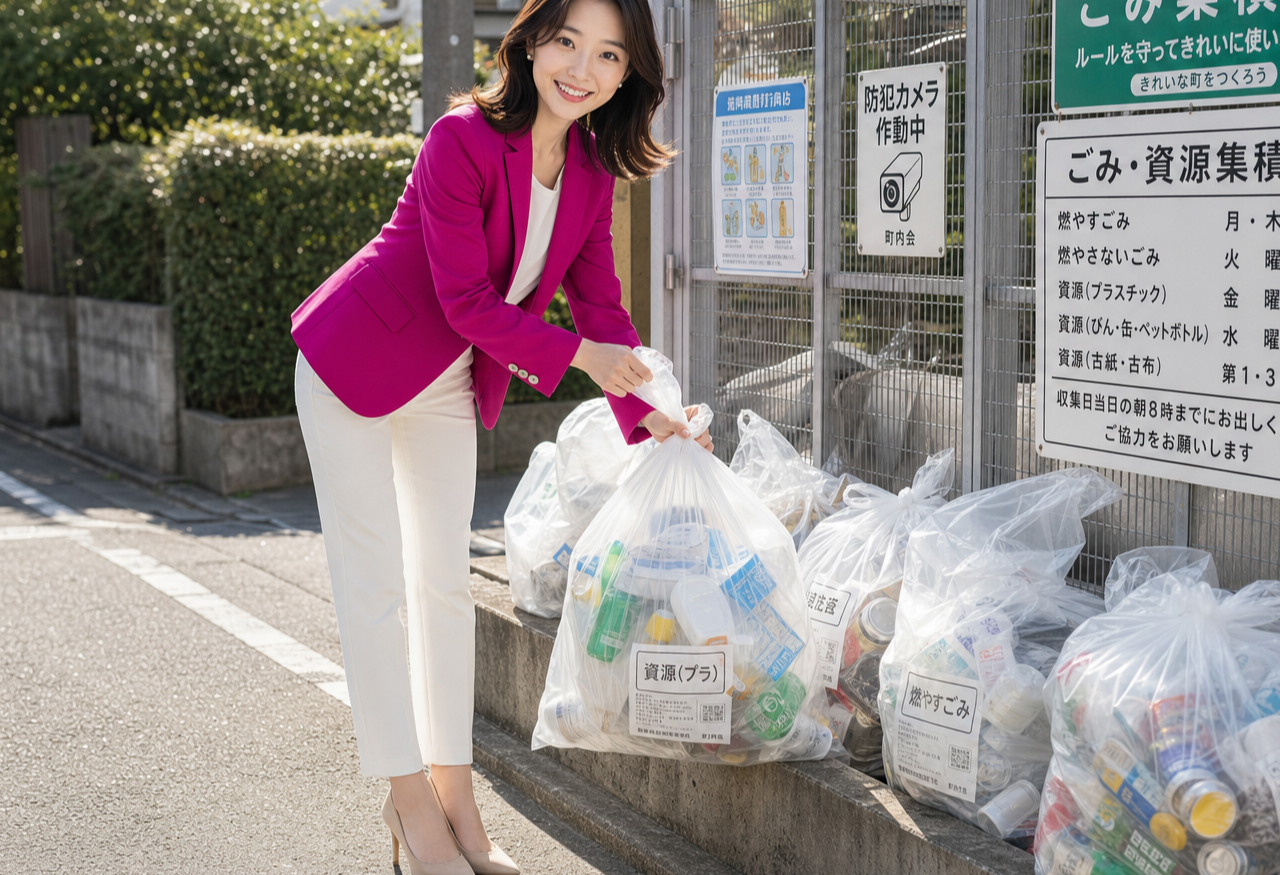
Old electronics don't go in the regular burnable or non-burnable bag. Computers have their own national take-back route, while phones, cameras, cables and other small gadgets usually go to dedicated collection boxes rather than out to the curb.
Before you recycle anything that stores memory, wipe your data first. The exact rules shift from one ward or city to the next, so always double-check your local guide — but the basics below hold true across most of Japan.
Why electronics are treated differently
Small devices are packed with recoverable metals, and many hold a rechargeable battery that can catch fire if it's crushed inside a garbage truck. That's why Japan keeps them out of the everyday burnable and non-burnable streams.
This is also separate from oversized garbage (sodai gomi). A microwave or a floor fan may follow the large-item route, but laptops, phones and pocket-sized gadgets have their own gentler paths that recover parts and keep batteries safe.
Recycling a computer
Home computers fall under a national PC take-back scheme run by the makers. Look for a small recycling mark (the PC Recycle mark) on the machine: if it's there, the maker collects that unit at no extra charge when you're finished with it.
You arrange it through the maker of your PC — you request a pickup, they send a shipping label, and you hand the packed computer to the post. If a machine predates the mark, or the maker no longer exists, there are paid routes and designated collection points instead.
Monitors are usually accepted the same way. Wipe your drive before you send anything, and take out any storage card or disc you want to keep.
Small-appliance collection boxes
For phones, digital cameras, chargers, cables, handheld game gear and similar small items, many wards and public buildings place small-appliance recycling boxes — often a locked bin with a slot sized so nothing larger than the opening fits. Some retailers run their own take-back bins as well.
What each box accepts varies by ward and by location, so read the label on the bin or your local guide first. Anything with a swollen or damaged battery should not go in a drop box — those need separate, careful handling.
Wiping a phone or laptop before you let it go
Treat every device as if it still holds your data, because it does. On a phone, sign out of your accounts, remove the SIM and any memory card, then run a full factory reset from the settings menu.
On a computer, back up what you need, sign out of your cloud accounts, and erase the drive rather than just deleting files. A plain delete leaves data recoverable; a proper erase or reset does not.
Only once the device is wiped should it go to a take-back route or a collection box. If you're not sure a drive is truly clear, physically keeping the old storage is a perfectly valid choice.
Batteries and mixed-material gadgets
Rechargeable batteries — the kind inside phones, earbuds and mobile chargers — are the main fire risk, so many areas ask you to route them through battery collection points rather than any household bag. Look for rechargeable-battery recycling boxes where small electronics are sold.
If a battery is swollen, hot or leaking, don't post it or drop it in a shared bin. Check your ward's guidance for handling damaged batteries, since these rules genuinely vary from place to place.
Clearing out old gear, made painless
Here's the quiet catch: PC take-back requests and ward collection bookings almost always run through a website or app, and those want a Japanese phone number to confirm your booking and reach you about the pickup. Without a local line, the easy online routes stay just out of reach.
That's why I suggest sorting your number and data early. The contract needs your residence card, which is issued after you land, and from there an eSIM activates the same day — usually about fifteen minutes, with no store visit — so clearing out old gear online is easy from your very first week. I'm Miya, your GetConnectedJapan guide and a friendly character, not a Rakuten employee, just happy to help you settle in.
Related guides

The Apps Every Newcomer in Japan Actually Needs (2026)
The short list of apps that really run daily life in Japan — transit, translation, LINE, payments — and why getting connected comes first. #PR
Read the guide →
The Certificate of Eligibility: The Paperwork That Happens Before Your Visa
A pre-arrival guide to Japan's Certificate of Eligibility: who applies, what you'll need to send, and how long to allow. #PR
Read the guide →
Reading Japanese Phone Numbers: What Those Prefixes Mean on a Form
How to read Japanese phone numbers: landline area codes, 070/080/090 mobiles, 0120 and 0570 prefixes, hyphens, and dialling +81. #PR
Read the guide →